
Start with the conversation.
Record microphone and system audio, or import an existing audio file. Floating recording controls keep the essentials close while you work.
Be in the conversation.
Let Noteling take the notes.
Record meetings, transcribe speech on your device, and turn the conversation into notes you can use. A private workspace for everything worth remembering.
From the first word to the follow-up.
One place to keep the conversation.
Record microphone and system audio, or import an existing audio file. Floating recording controls keep the essentials close while you work.
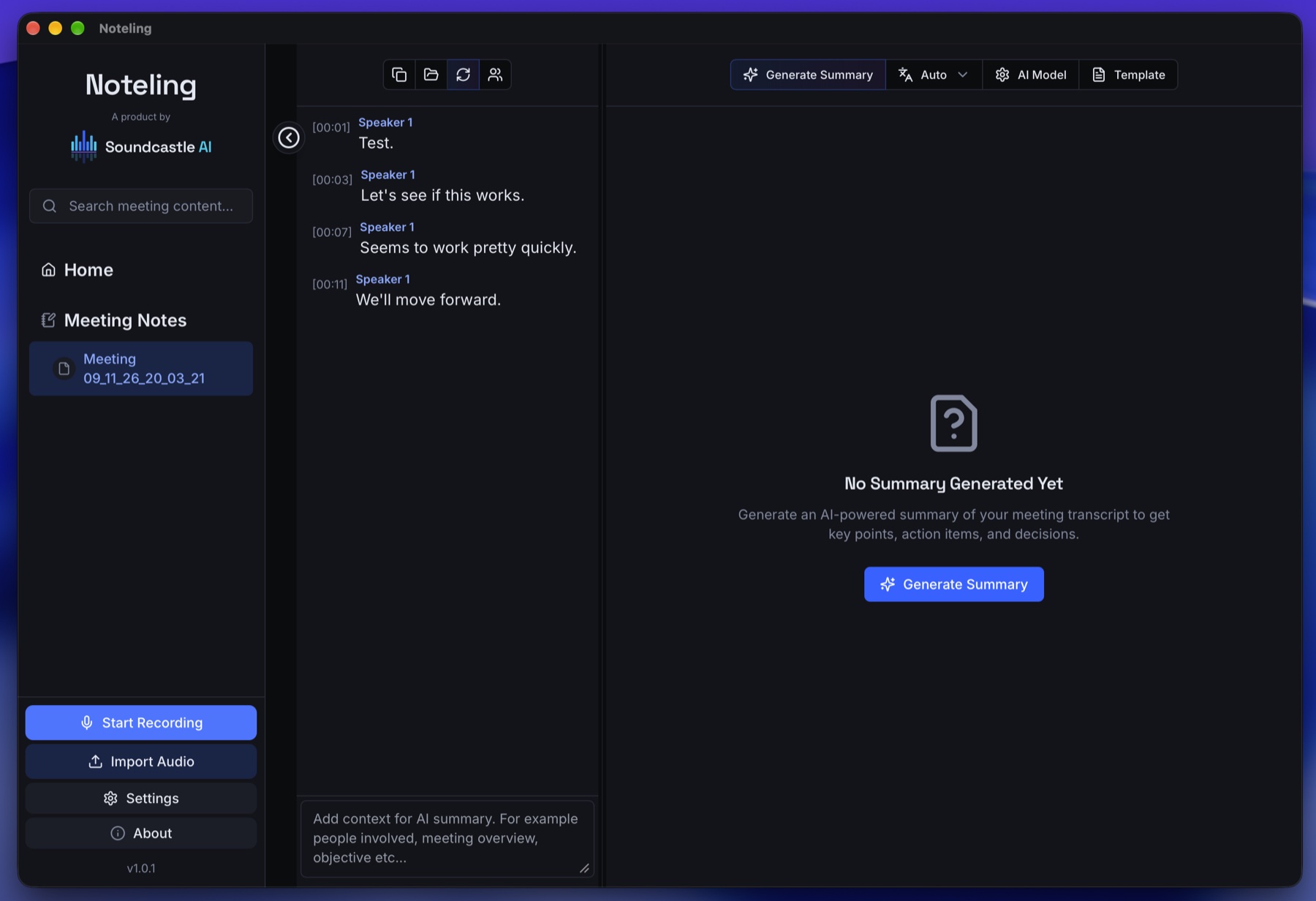
Follow live transcription with local speech models. Revisit timestamped transcripts and use speaker detection to help identify who said what.
Generate summaries from your transcript, add meeting context, and choose a template. Keep your notes together in a searchable meeting history.
A focused desktop workspace, from the moment you press record to the moment you return to your notes.
Run transcription and summaries with local models to keep meeting processing on your device. Once the required models are downloaded, the local workflow can work offline.
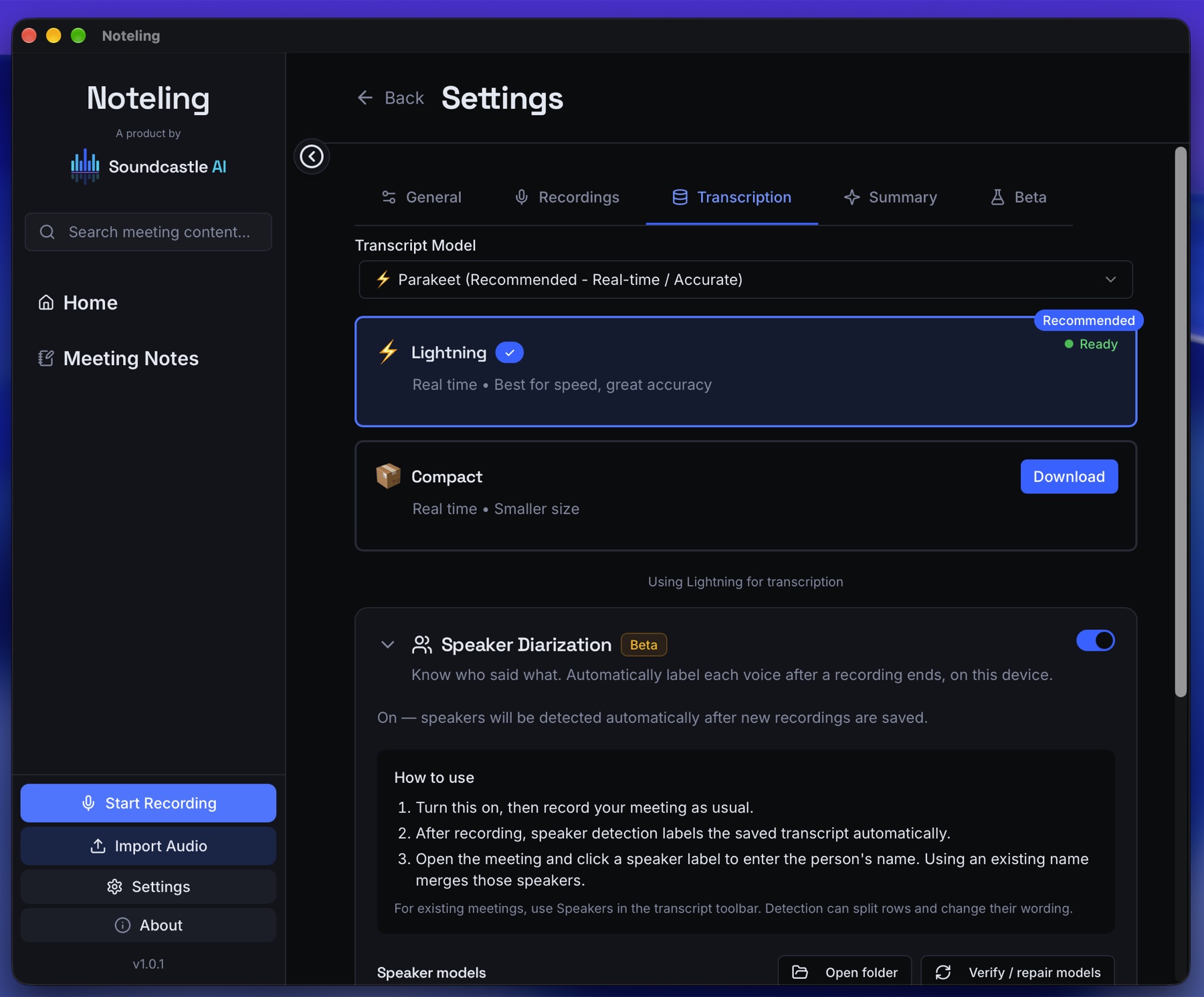
Local transcription and local summaries run on your device. Initial model downloads require an internet connection. Optional external summary providers also require a connection and receive transcript text when you use them.
Yes. Import an audio file to transcribe it locally, then work with the transcript and generate meeting notes.
Optional speaker detection labels voices after a recording ends. You can rename labels in the transcript. This feature is in beta; review the labels before relying on attribution.
Download the local speech and summary models you want to use, then grant the audio permissions needed for recording. The app provides model management and recording settings in its desktop interface.
Try Noteling for macOS on Apple Silicon.
Download for macOSApple Silicon Macs · Trial version